Settings
The Settings option provides you options to configure the settings for a particular project.
- To view the Settings screen, select Settings from the left navigation panel.
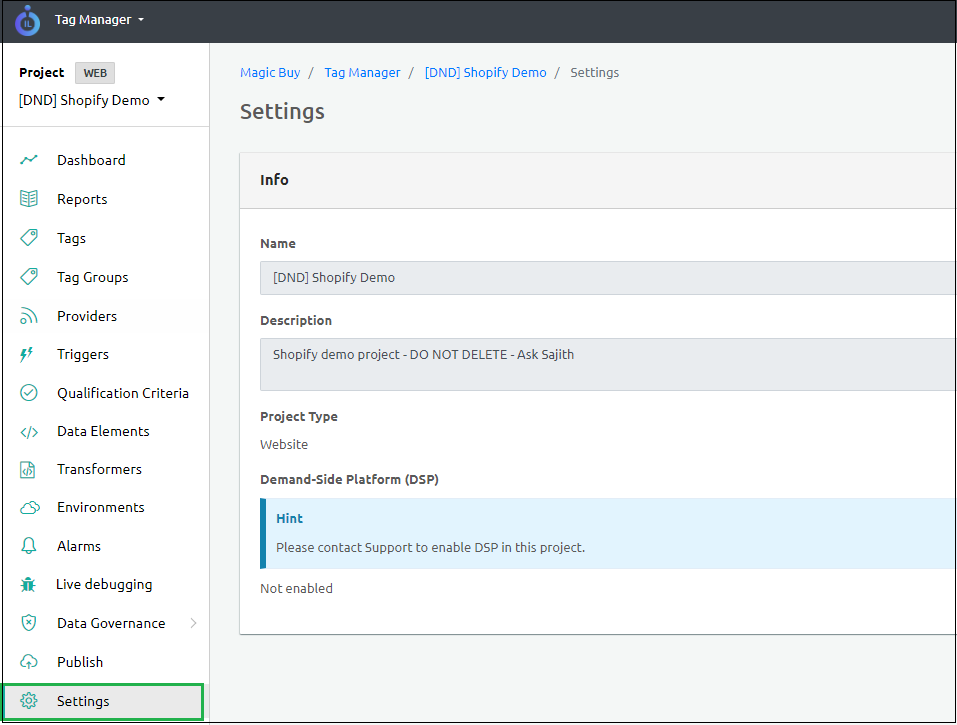
The Settings screen includes the following information:
| Info | Description |
|---|---|
| Name | Name of the project. |
| Description | Description of the project. |
| Project Type | Denotes the project type. |
| Demand-Side Platform (DSP) | By default, this option is disabled. To enable the DSP in this project, reach out to the Support team. |
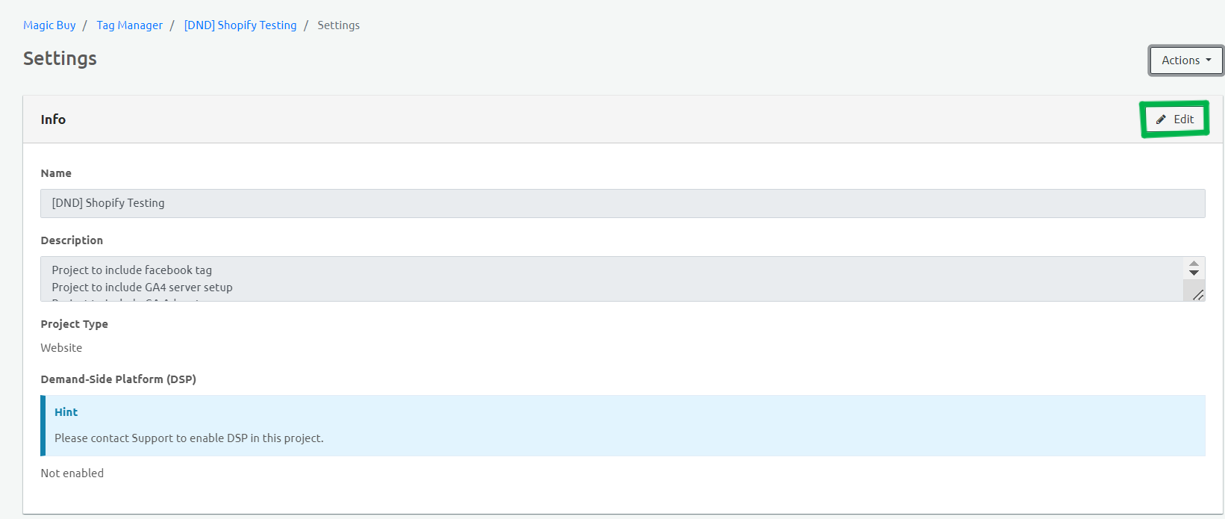
- Click edit on the top right corner to edit the project name and the description.
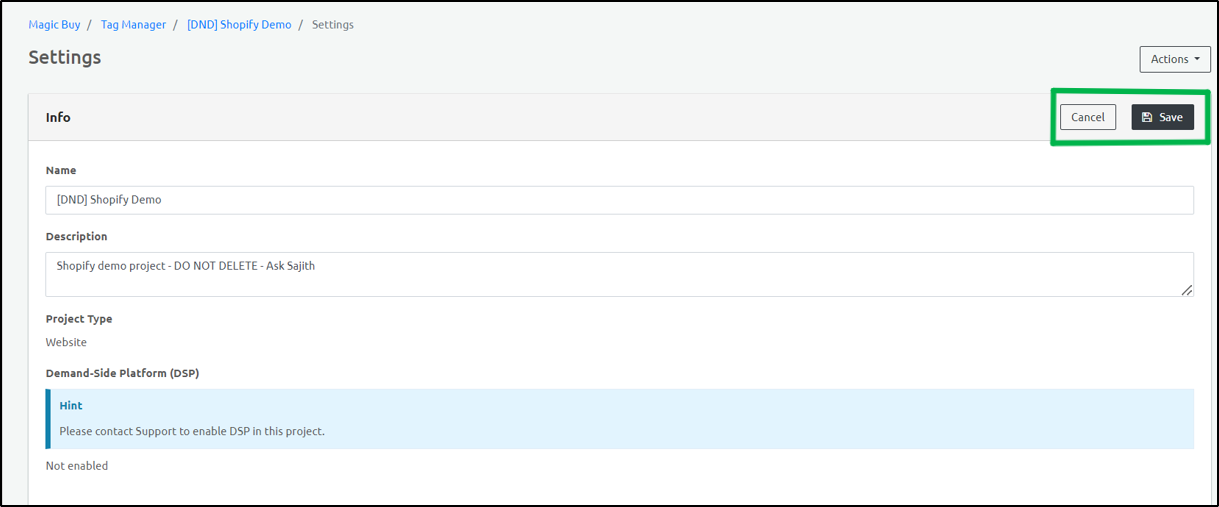
- Click Save to save the changes. Click cancel to revert to the original settings.
Delete a Project
- To delete the project, select Delete option from the Actions drop-down menu on the top right corner.
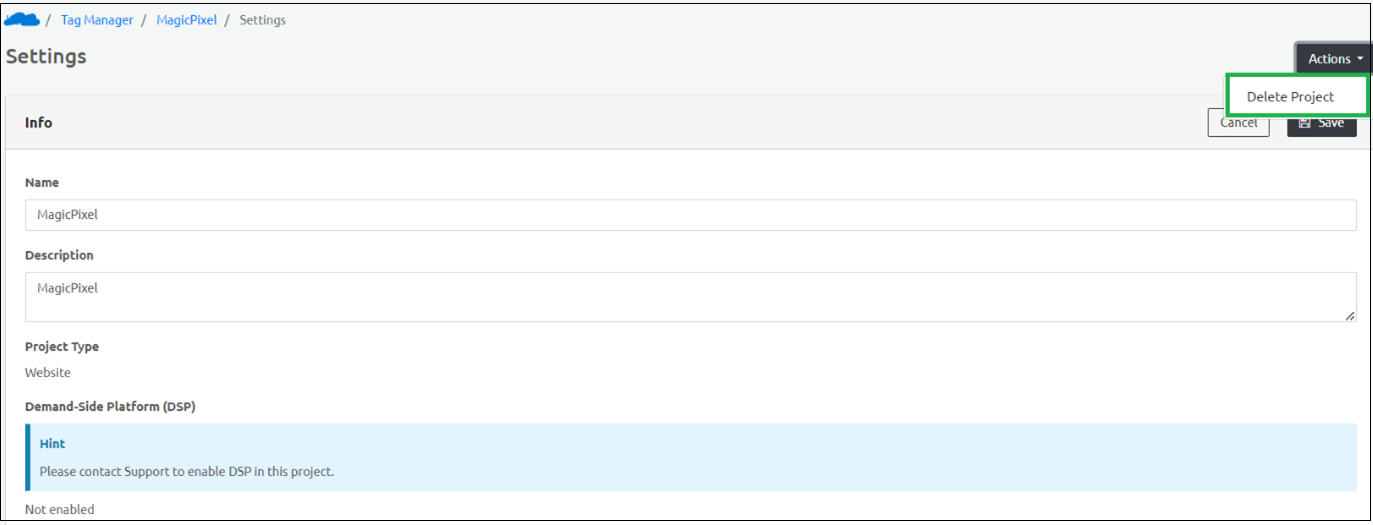
- Click OK in the confirmatory dialog box that appears.

Step Result: The project is deleted.