Add a New Test Suite
To add a new Test Suite, perform the following steps:
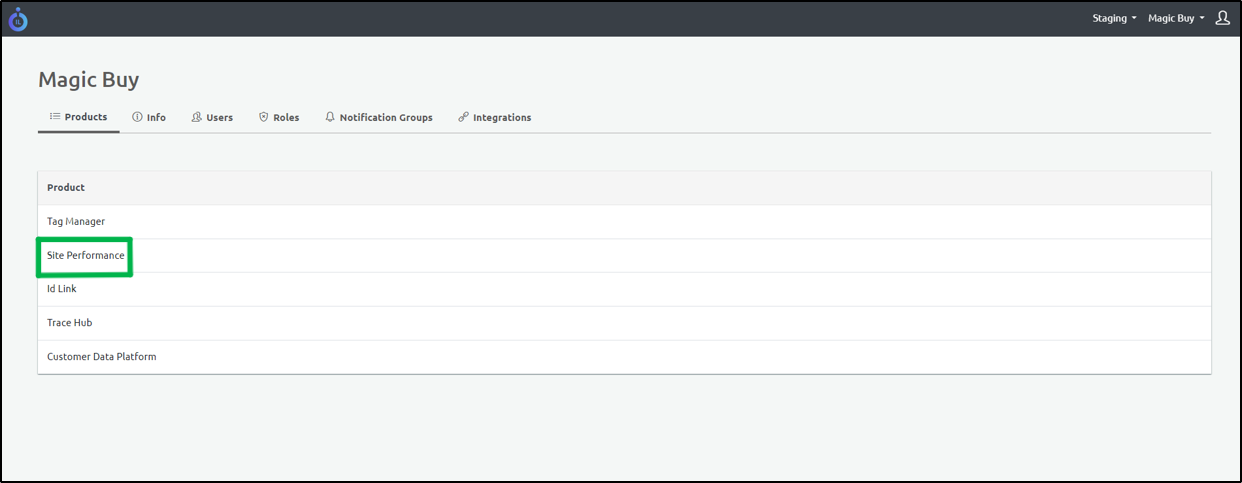
- In Products, click Site Performance.
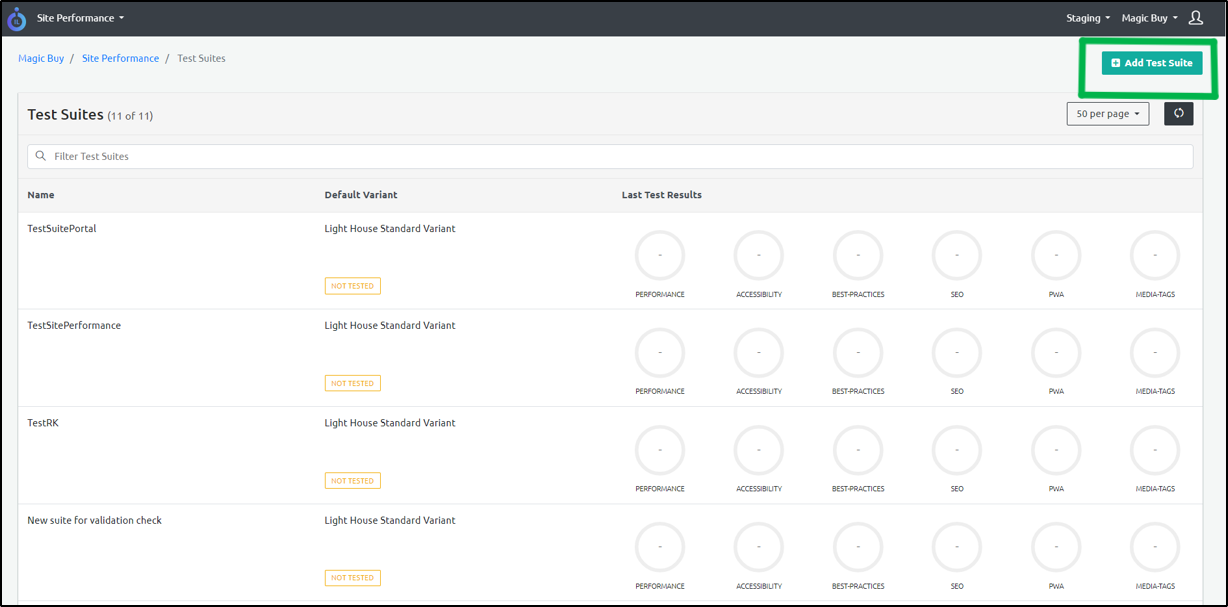
- Click Add Test Suite on the top-right corner of the screen.
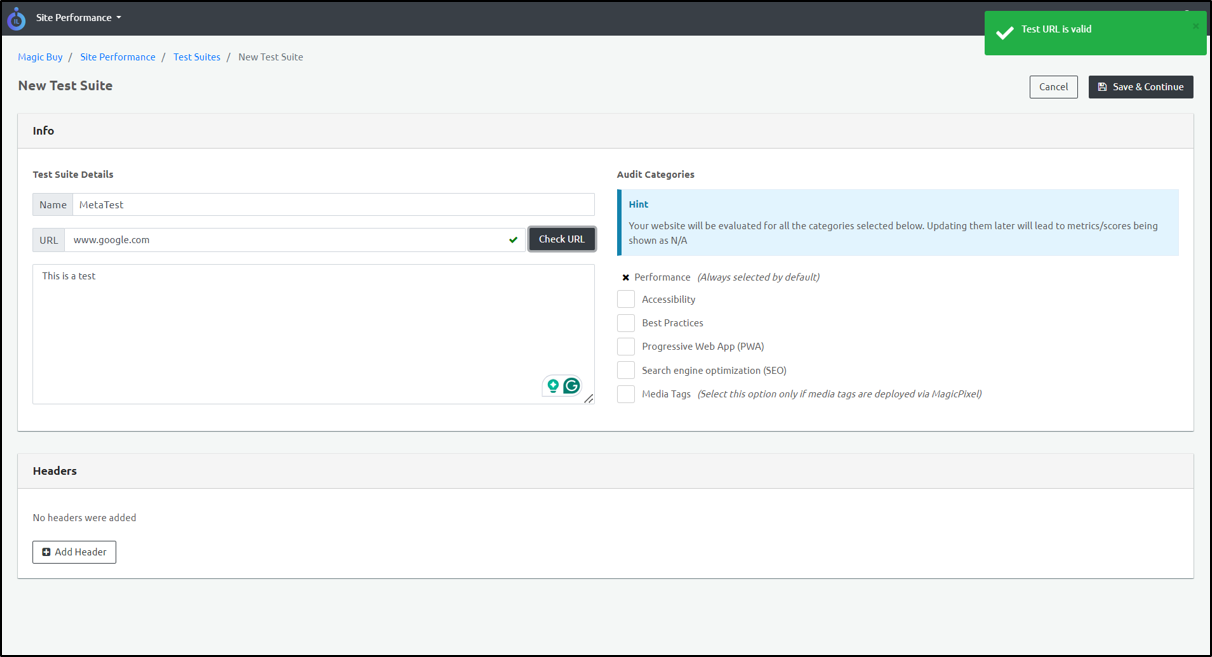
- Add the Name and the URL.
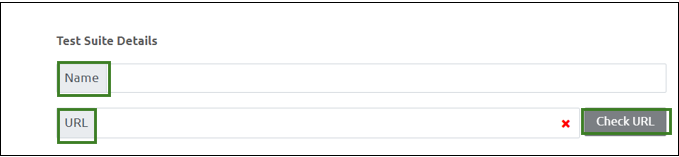
- Click Check URL. If the link is valid, the following screen appears:

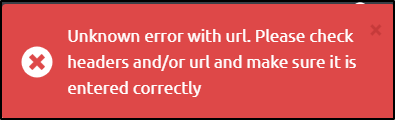
If the url is not valid, the following message appears on the top right:
- Add a description of the test suite.
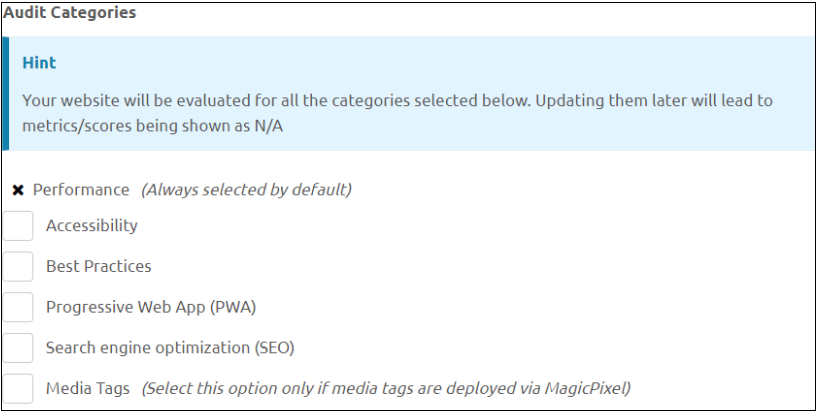
- Select the Audit Categories.
- Click Save and Continue.
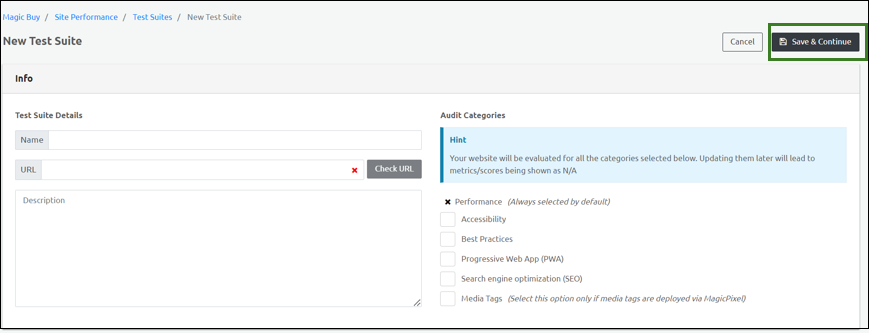
Step Result: A new Test Suite is successfully created.